From Paper Logbook to App: Importing with UDDF and JSON
Step by step from the binder on the shelf to a searchable dive log.
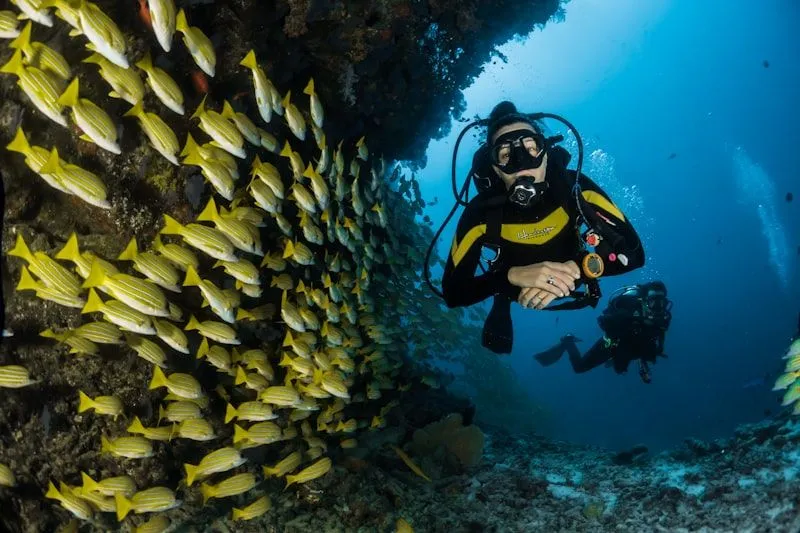 AI illustration
Somewhere on the shelf it sits: the binder with the logbook pages. Stamps from dive centers, signatures from buddies, depths and times in ballpoint pen. Maybe next to it there is also a file from an old logbook program. AquorDex brings all of that together in one place – with statistics, a map and all the species you have already seen, in the MarineDex.
Sort First: Where Are Your Dives?
Before you start, it’s worth a quick look at what form your dives are in. The route depends on it:
- As a UDDF file: the Universal Dive Data Format is an open exchange format for dive data. Many logbook programs can export their data this way.
- As a JSON file in the AquorDex format: a list of dives with all the fields AquorDex knows – including the sightings.
- Paper only: then you enter the dives yourself. More on that below.
The Import in Four Steps
- In AquorDex, open your Profile and tap “Import dive log”.
- Select the file. AquorDex accepts files ending in .uddf, .xml or .json.
- You don’t have to specify the format: AquorDex recognizes from the content itself whether it is UDDF or JSON.
- At the end, AquorDex reports how many dives were imported.
If AquorDex finds no dives in the file, the app tells you that as well. Then it’s worth checking whether you picked the right file.
What Comes From a UDDF File
From UDDF, AquorDex imports for each dive:
- Date and time
- Depth
- Dive time
- Notes
- Buddy
AquorDex does not import the dive site from UDDF. Imported dives therefore initially carry the place name “UDDF Import”, and you assign the spot yourself afterwards. That’s quick: the spot search knows 514 sites and fills in country and coordinates automatically.
Good to know: every program writes UDDF a little differently. After the import, look at a few dives and compare depth and dive time with your old logbook.
What Comes From a JSON File
JSON is the format in which AquorDex itself describes dives. Everything that is in the file comes along – including the sightings. And they count: species from imported dives are unlocked in the MarineDex, just like with a freshly logged dive.
Three Steps After the Import
- Assign spots. Especially after a UDDF import. Only with a spot does a dive appear on the map and count toward XP: 25 per spot, 100 for each new country.
- Add sightings. Do your notes say you met a turtle? Log it as a sighting – then it lands in the MarineDex.
- Spot-check. Do date, depth and time match? A quick comparison with the original saves guesswork later.
And one note: import each file only once. If you load the same file twice, you will end up with the dives twice in your log.
And the Paper Logbook?
There is no import for paper pages – here the only option is to enter them. AquorDex keeps that as short as possible: three short steps instead of one long form, spot search across 514 sites, steppers and direct entry instead of sliders. That way 18.4 meters really does become 18.4 meters.
A few tips for the move:
- Trip by trip. Take on one trip per evening and create a trip for it right away. That way an album with cover, spots, dives and new species emerges on the side.
- Log species right away. Every sighting unlocks the species in the MarineDex – even for dives that are years back.
- Bring your notes along. What you wrote down back then is often exactly what you most like to remember later.
- Keep the paper. At some dive centers and on some courses, stamps and signatures in the paper logbook still count as proof of your experience.
The Way Back
The reverse works too: in your profile you export your log as UDDF and share the file wherever you like. Your dives are not locked into one app.